
Download KompoZer – website builder, web design tool, WYSIWYG editor, web page creator, online store builder
Overview
KompoZer is a comprehensive web authoring system designed to simplify the creation and management of websites for users of all experience levels. By integrating web file management with a user-friendly WYSIWYG (What You See Is What You Get) editing interface, KompoZer enables individuals and small teams to build websites, launch blogs, or develop online stores without requiring advanced coding knowledge. The app addresses common challenges such as organizing site files, maintaining consistent design, and efficiently editing content across multiple pages.
Target users include hobbyists, educators, small business owners, and independent creators who need a lightweight yet capable tool to establish an online presence. While the developer, KompoZer, did not provide additional background information, the app’s long-standing availability across Windows, Mac, and Linux platforms suggests a community-driven or open-source foundation. Its release in 2010 indicates it was developed during a period when desktop-based web authoring tools were more prevalent before the rise of cloud-based platforms.
Real-world use cases include creating personal portfolios, setting up informational websites for local organizations, or building simple e-commerce pages for handmade goods. In the broader app ecosystem, KompoZer holds value as a lightweight alternative to modern web builders, particularly for users who prefer offline development or require full control over their website files without relying on third-party hosting services.
Key Features & Functionality
- Integrated File Management – Users can organize, create, and manage website files directly within the application, reducing the need for external tools. This feature is especially useful when building multi-page sites where file structure is critical.
- WYSIWYG Web Page Editor – The visual editor allows real-time editing of web content, enabling users to format text, insert images, and adjust layout without writing HTML or CSS code.
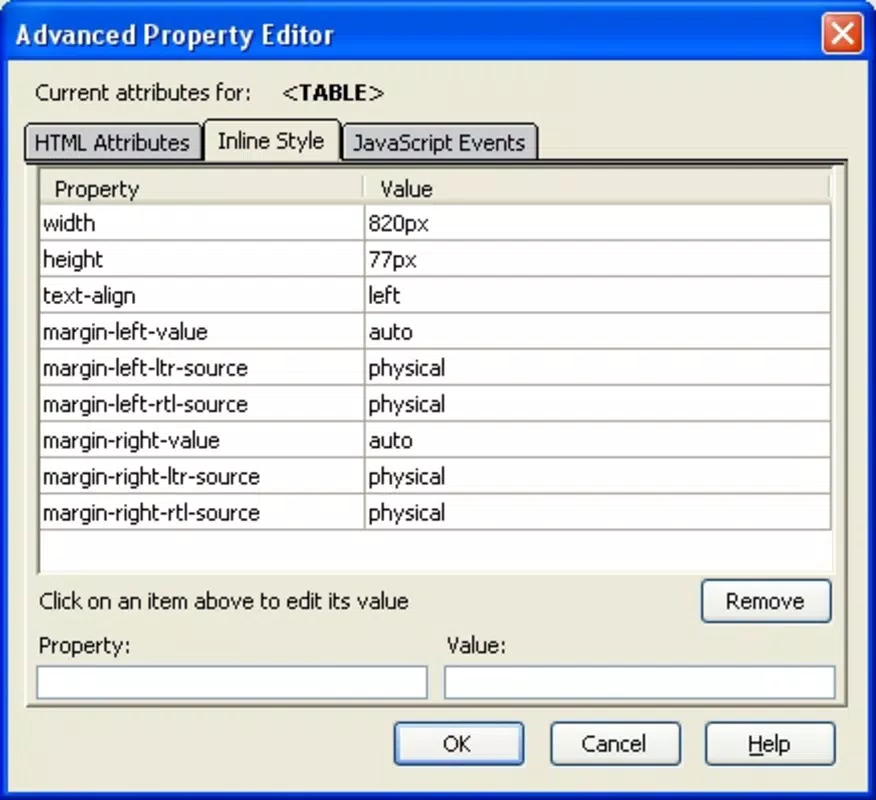
- HTML and CSS Support – For users who want more control, KompoZer provides access to underlying code, allowing direct editing of HTML and CSS when needed.
- Template-Based Design – The app includes pre-designed templates to help users quickly set up professional-looking websites for blogs, portfolios, or online stores.
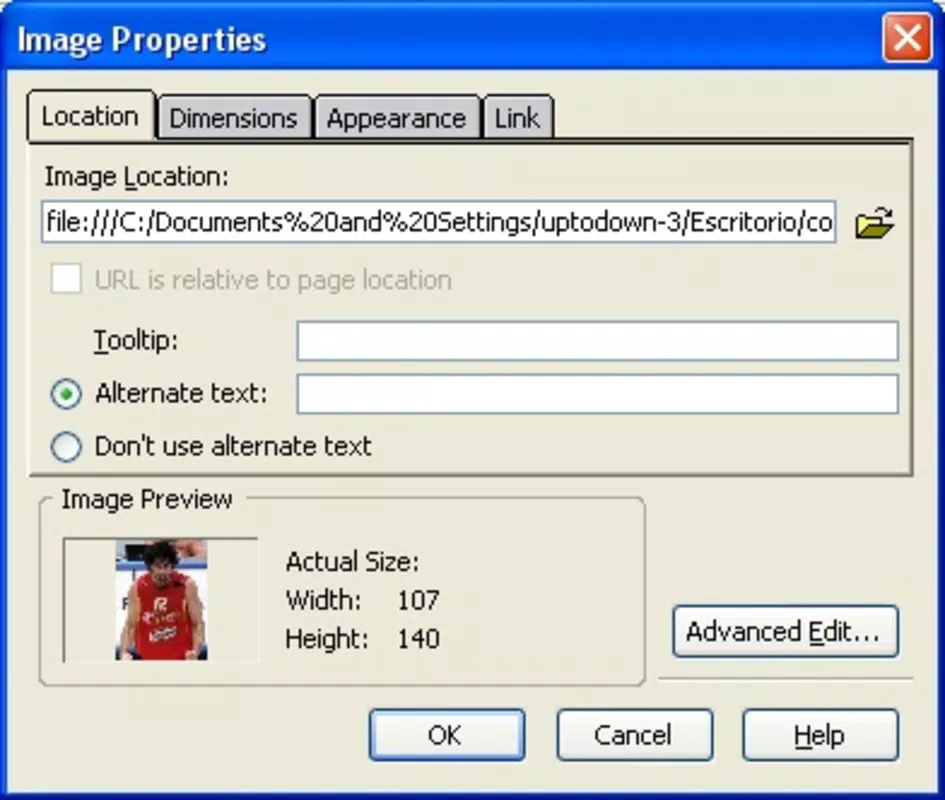
- Link and Image Management Tools – Built-in tools simplify the process of inserting and verifying hyperlinks and images, helping maintain site integrity during development.
For example, a small business owner can use KompoZer to design a product page with embedded images and navigation links, all while viewing the result in real time. Similarly, a teacher might create a class website with downloadable resources, using the file manager to keep all materials organized in one location.
Interface, UX & Performance
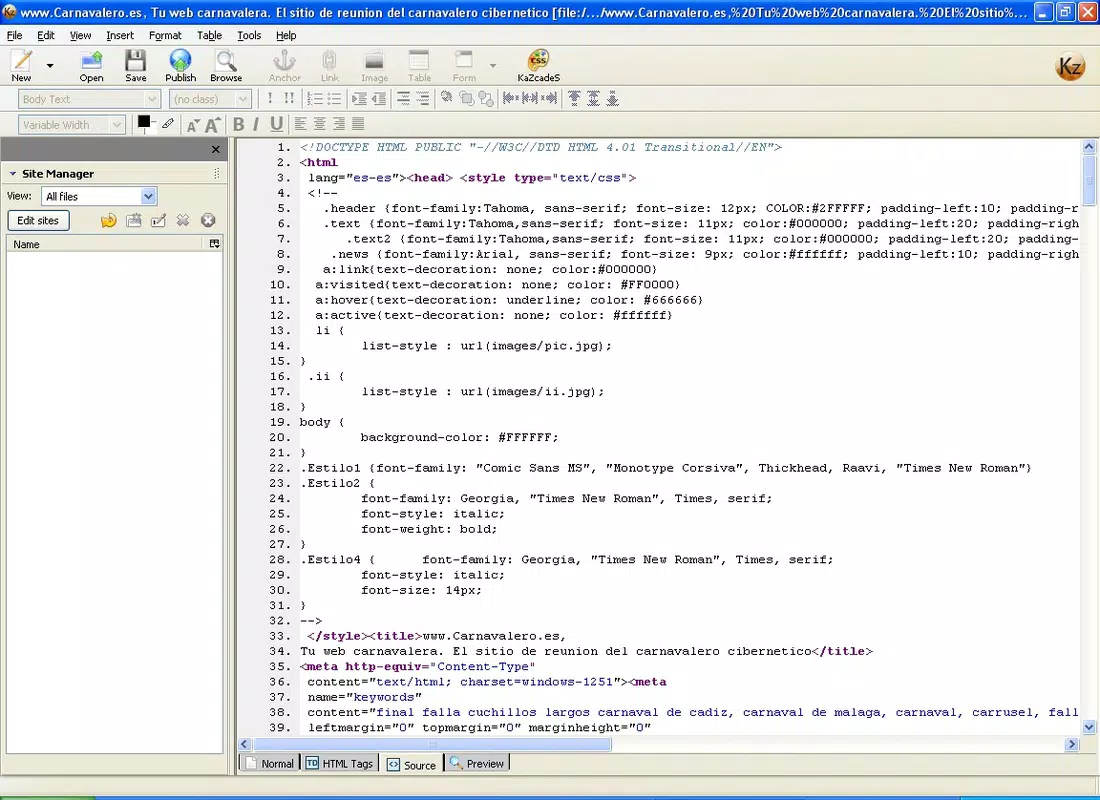
KompoZer features a traditional desktop application interface with a layout centered around a main editing workspace, a sidebar for file navigation, and a toolbar with common formatting options. The visual style reflects early 2000s design principles—functional but not modern by today’s standards. Navigation is linear and predictable, with menus and panels arranged to support workflow continuity.
Users can switch between visual editing and code view seamlessly, which supports both beginners and intermediate users. The app is designed to be intuitive, with tooltips and context-sensitive options to guide new users through common tasks. However, the lack of modern touch gestures or responsive design elements reflects its desktop-first origin.
Although the developer did not list formal performance metrics, the app’s file size of 16.3 MB suggests a lightweight footprint. It is expected to run efficiently on older or low-resource systems, particularly those running Windows, Mac, or Linux. Responsiveness and stability appear consistent with its long-term use, though users on modern systems may encounter compatibility challenges due to outdated dependencies.
Platform Compatibility & Technical Requirements
KompoZer is available for Windows, Mac, and Linux operating systems, making it accessible across major desktop platforms. The latest version, 0.8b1, was released on April 25, 2010, indicating that the app has not received updates in over a decade. The application size is 16.3 MB, which is relatively small for a full-featured web authoring tool.
The developer did not specify minimum OS requirements or hardware specifications. As such, compatibility with current versions of Windows, macOS, and Linux cannot be confirmed with certainty. Users are advised to test the application on their system before installation, especially on newer operating systems where legacy software may face runtime or security restrictions.
Pros and Cons
Pros
- Free to download and use, making it accessible for budget-conscious users.
- Supports multiple platforms, including Windows, Mac, and Linux.
- Combines file management with WYSIWYG editing in a single environment.
- Lightweight at 16.3 MB, suitable for older or low-spec machines.
- Offers both visual editing and direct code access for flexible workflow.
Cons
- No recent updates since 2010; potential compatibility issues with modern operating systems.
- Limited support for modern web standards and responsive design features.
- No built-in publishing or hosting integration.
- Outdated user interface that may feel unfamiliar to new users.
- Developer did not provide technical documentation or support channels.
FAQ
Is KompoZer safe to download and install?
KompoZer is a free, open-source application that has been available for over a decade. While it has not been updated since 2010, it is generally considered safe when downloaded from trusted sources. Users should ensure the file is from an official or verified repository to avoid tampering.
Can I use KompoZer to build a responsive website?
KompoZer does not include built-in tools for creating fully responsive designs. It supports basic HTML and CSS, but users must manually implement responsive techniques. For modern web standards, additional knowledge or external tools may be required.
Does KompoZer support online publishing?
No, KompoZer does not include direct publishing or hosting features. Users must manually transfer files to a web server or hosting provider after editing.
Is KompoZer compatible with Windows 11 or macOS Sonoma?
The developer did not specify compatibility details. While the app may run on newer systems, there is no guarantee due to its age and outdated dependencies. Testing on a virtual machine or older system is recommended.
Can I update KompoZer to the latest version?
The latest version available is 0.8b1, released in 2010. No further updates have been issued, so users cannot access newer versions through official channels.
Final Thoughts
KompoZer remains a notable tool in the history of desktop web development, offering a rare blend of file management and visual editing in a single, lightweight package. While its age is evident in the interface and lack of modern features, it continues to serve users who value offline development, full control over code, and simplicity. It is particularly useful for those learning web design fundamentals or maintaining legacy websites.
For individuals seeking a free, cross-platform solution to create websites, blogs, or small online stores without relying on cloud services, KompoZer offers a viable option—especially on older hardware. However, users should be aware of potential compatibility issues and the absence of ongoing support.
Download KompoZer now


